

SentryPC – Budget-Friendly Employee Monitoring Solution
SentryPC is an economical choice for businesses seeking reliable employee monitoring tools. It includes key features like email tracking, inactivity notifications, and tools to help prevent data breaches — all at an affordable rate.
Advantages:
- Cost-effective for both small and large organizations.
- Ability to block or filter online content for specific users.
- Option to set daily or weekly time limits for employee computer use.
- Simple, user-friendly interface.
Drawbacks:
- Not compatible with iOS device tracking.
- Some advanced tools are limited to specific device types.
- No free trial is available.
SentryPC – Best Value Monitoring Software for Small Businesses
For small businesses keeping an eye on costs, SentryPC delivers a straightforward, easy-to-use employee monitoring solution without the high price tag of more complex platforms. It provides all the essential features most businesses actually need, so you’re not paying for extras you’ll never use. Being cloud-based, the system is simple to set up and manage. All employee activity is organized in a single dashboard, and the built-in search tools make locating important information quick and hassle-free. SentryPC also includes safeguards to reduce the risk of data leaks or theft. Overall, it’s a strong choice for small businesses looking for both affordability and functionality.
SentryPC Rating: 8.5 / 10
- Price & Value: 8.6 / 10
- Features: 8 / 10
- OS Compatibility: 8.8 / 10
- Ease of Use: 9.2 / 10
- Customer Support: 7.9 / 10
Why SentryPC Stands Out for Affordability
SentryPC offers a range of budget-friendly monitoring plans designed to fit businesses of any size. Their pricing is based on the number of licenses and screenshots, but even the most basic plan includes full access to all monitoring features — something many competitors don’t offer. While other platforms often limit lower-tier plans and reserve advanced tools for premium packages, SentryPC delivers the complete feature set right from the start. Another money-saving benefit is the option to purchase additional screenshot storage without having to buy extra licenses. This flexibility makes SentryPC a cost-effective choice for companies that want robust monitoring without overspending.
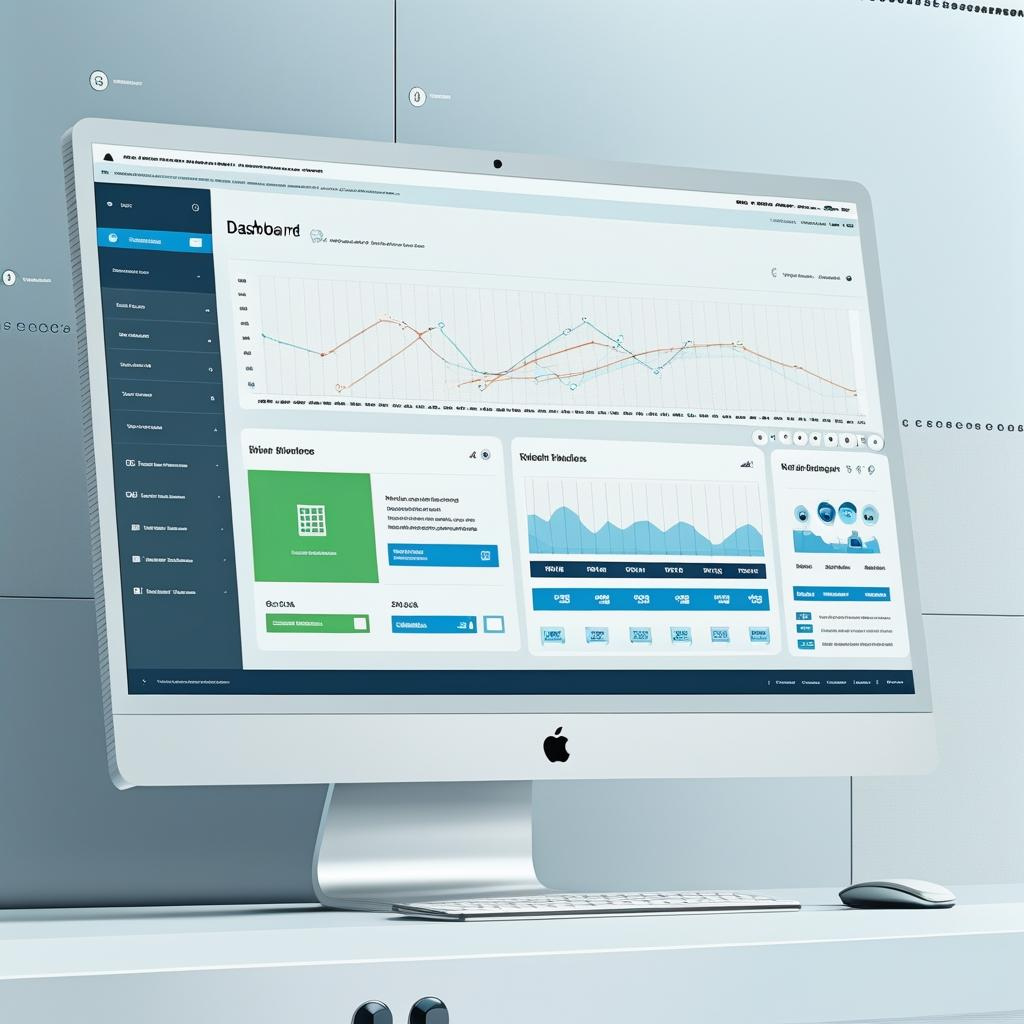
Like most employee monitoring software, SentryPC is cloud-based, so it can be accessed anytime from any place. When testing the software, we liked that the intuitive UI was easy to navigate from various devices. It displays all employee activity in one central location and its simple search tools prevent a flood of unstructured data. This functionality is ideal for on-the-go managers who need to view employee activity and behavior from various locations. SentryPC is subscription-based, so users get automatic software updates as they roll out, which is convenient.
Features
SentryPC provides everything business owners need to effectively monitor employee workflow and boost productivity.
Time Tracking & User Activity
SentryPC makes it simple for managers to track employee work hours. During our testing, we were especially impressed by the ability to set specific working hours for each employee and establish daily or weekly usage limits. Not all monitoring platforms offer these capabilities, and they can be invaluable for preventing unauthorized overtime.
Beyond recordkeeping, time tracking plays an important role in supporting employee well-being. Irregular schedules or excessive overtime can lead to workplace burnout, impacting both morale and productivity. By keeping a close watch on hours worked, managers can spot early signs of burnout and take proactive steps to maintain a healthy work-life balance across their teams.
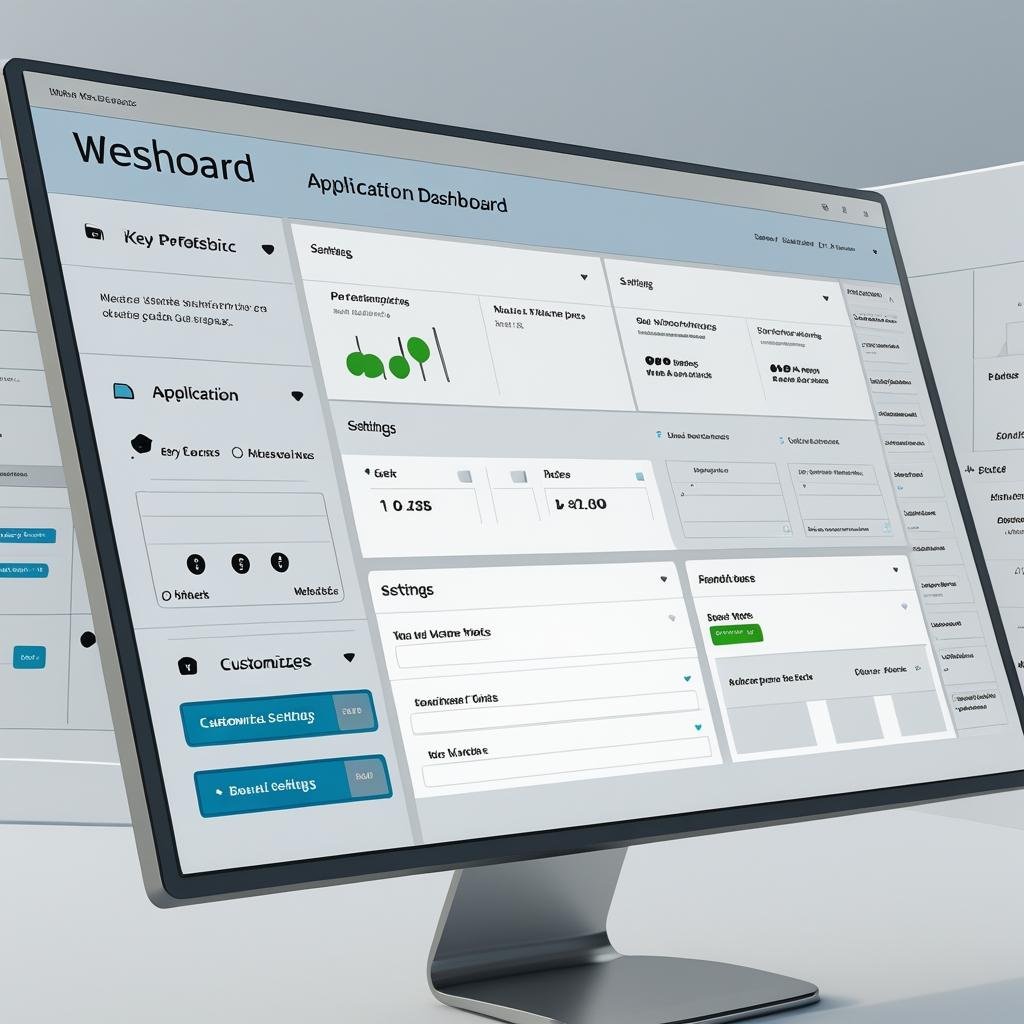
SentryPC allows you to set daily and weekly usage limits for each employee. Administrators can view detailed activity logs, including when employees are active or inactive on their devices. This makes it easy to see who is engaged and productive during work hours.
Website & Application Monitoring
With SentryPC, business owners can track exactly which websites, applications, and programs employees are using — and for how long. The platform records:
- Duration each site or app was open
- Actual time spent engaging with it
- Date and time of access
You can even see text copied to the clipboard, complete with timestamps. SentryPC also tracks each device’s IP address and offers a geofencing feature that uses location services to pinpoint user activity — a valuable tool for monitoring remote employees.
For Windows users, SentryPC adds extra layers of oversight, including timestamps when a portable drive is connected to a monitored device. This portable drive detection is essential for safeguarding sensitive or proprietary company data. Windows and Mac users can also access file activity logging, which includes timestamps for printed files and visibility into files that are downloaded, uploaded, created, opened, or edited.
These robust monitoring capabilities place SentryPC on par with other leading employee monitoring platforms, while also offering tools tailored for both in-office and remote teams.
Screenshots & Keystroke Logging
SentryPC captures employee activity in real time through both screenshots and keystroke logging, providing a clear record of how company devices are being used. These features work across Windows, Mac, and Chromebook devices (though not smartphones).
Screenshots are taken at random intervals during defined work hours and are dual-monitor capable, ensuring complete coverage. Each image is tagged with the date, time, and device or user information, making searches fast and straightforward.
The keystroke logging feature records every action performed on a keyboard, along with the date, time, and location of the activity. While not all competitors include keystroke logging, it can be a valuable tool for safeguarding company assets and verifying productivity.
That said, it’s important to use these tools responsibly. Keystroke logs may capture sensitive personal information, such as banking or medical data. To maintain trust and compliance, managers should communicate clear guidelines on appropriate device usage and stay informed about employee monitoring privacy best practices.
Content Filtering & Blocking
SentryPC empowers administrators to control access to websites, applications, and games, either by blocking them entirely or setting specific time restrictions. For example, you might prevent access to social media and streaming services during work hours but allow them during lunch breaks or after hours.
Filtering can be applied by broad content categories or specific URLs, and keyword or phrase-based alerts can be set for sensitive activities. Impressively, SentryPC can even filter dark web activity via the Tor browser, helping protect your organization from potential security threats.
When a user attempts to access blocked content or violates a policy, the software immediately flags the event, logs it, and notifies administrators by email. These alerts can be downloaded, sorted, and reviewed by user, device, activity type, or timestamp.
Reports & Notifications
All activity logs are stored securely in your cloud account and can be downloaded for offline use, giving administrators flexibility in managing and reviewing data. SentryPC also delivers in-depth usage reports, complete with visual charts and screenshots, offering a clear snapshot of employee activity patterns.
The platform supports a wide range of report types, covering user activities, alerts, application usage, calls, texts, clipboard data, file access, keystrokes, geographic locations, online searches, portable drive connections, print jobs, screenshots, sessions, and website usage. Reports can be grouped by account, user, or device for easier navigation, giving business leaders a complete view of both company-wide performance and individual employee behavior — and providing actionable insights for improvement.
Pricing
SentryPC follows a per-device annual licensing model, meaning each device you monitor requires its own license for installing the SentryPC agent. Every license grants full access to the platform’s complete set of features — no tier-based restrictions. The only difference between plans is the number of licenses included and the amount of screenshot storage provided.
This approach is straightforward and competitive with other employee monitoring solutions, although some vendors also offer monthly billing.
SentryPC Pricing Plans
| Plan | Annual Price | Licenses Included | Price per Additional License | Screenshot Storage |
|---|---|---|---|---|
| Basic | $69.95 | 1 | $29.95 | 500 |
| Business 50 | $1,495 | 50 | $29.90 | 500 |
| Business 100 | $2,495 | 100 | $24.95 | 1,000 |
| Business 250 | $4,995 | 250 | $19.98 | 1,000 |
| Business 500 | $7,495 | 500 | $14.99 | 1,000 |
| Business 1,000 | $9,995 | 1,000 | $9.99 | 1,000 |
We like that SentryPC keeps pricing simple — you get every feature in every plan. The higher tiers are designed for larger organizations, offering more licenses and expanded screenshot storage without limiting core functionality.
The screenshot storage included with each SentryPC plan represents the maximum number of screenshots you can store at one time. If you need more, additional storage is available in increments of 500 screenshots for $29.95 per year.
💡 Tip: While SentryPC doesn’t offer a free trial, you can explore its full feature set through a comprehensive online demo account — a risk-free way to get familiar with the software. For a monitoring platform that does offer free trials, check out our Teramind review.
Implementation & Onboarding
SentryPC is built as a stealth monitoring solution, meaning it can be installed discreetly on user devices without their knowledge. Installation options include remote deployment via email, local area network, or physical access to the device. A detailed installation guide is available for step-by-step assistance.
Once installed, SentryPC operates in cloaked mode, making it invisible to users and resistant to tampering or removal. All monitoring data is accessible through your secure, cloud-based account.
Administrators can also remotely update the software whenever new versions are released, ensuring all devices stay current without manual intervention. And if needed, remote uninstallation is just as easy.
You and your team can install or uninstall SentryPC on devices remotely, making deployment and removal fast and convenient. Source: SentryPC
Customer Support
SentryPC provides a digital support center with extensive online resources, including documentation on installation, troubleshooting, and detailed feature guides. This is especially helpful for new users or those with limited technical experience.
For direct assistance, SentryPC uses a ticket-based support system. While effective, it does not offer phone or live chat support — options that some competitors provide for quicker resolutions.
Limitations
One limitation of SentryPC is that it does not monitor iOS mobile devices. The platform supports Windows, Mac, Android, and Chrome devices, so this is only an issue if you specifically need iOS monitoring. That said, administrators can still access SentryPC logs and reports from both Android and iOS devices. If iOS tracking is essential, consider alternatives like InterGuard.
Another drawback is the limited customer support channels. While the online resources are comprehensive, direct assistance requires submitting a support ticket. Competitors such as ActivTrak offer phone and web chat support, which may be preferable for businesses that need immediate help.
Methodology
To evaluate the best employee monitoring software, we researched dozens of vendors and examined their monitoring tools, security features, usability, costs, and customer service. We reviewed product demos, watched instructional videos, and compared contract terms, user minimums, and overall flexibility to find the most affordable and effective options for businesses.
Bottom Line
We recommend SentryPC for:
- Companies seeking affordable, feature-rich employee monitoring software
- Businesses that need detailed event timelines
- Organizations that value screenshot and keystroke logging capabilities
- Windows users looking for robust monitoring tools
We don’t recommend SentryPC for:
- Businesses requiring iOS device monitoring
- Companies that need phone or live chat support for immediate assistance

One Response