
Introduction
LightPDF is an online PDF solution that offers tools for editing, converting, and managing PDF files directly from your browser. Designed for both personal and professional use, LightPDF combines a simple interface with powerful features like text editing, OCR, file conversion, and secure sharing—making it a convenient choice for anyone who works with PDFs regularly.
Ease of Use & User Interface
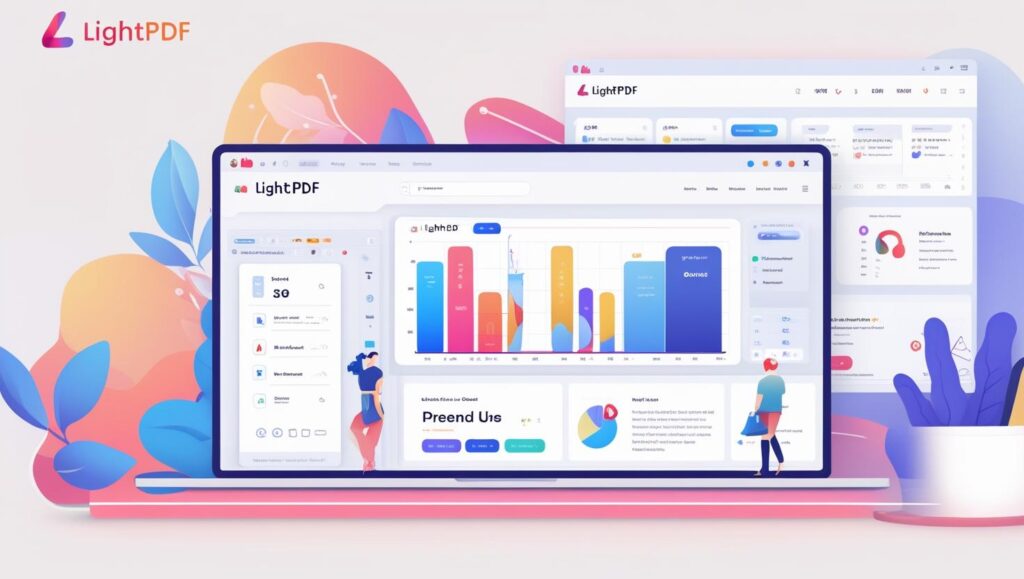
LightPDF features a clean, intuitive design that makes navigating its tools straightforward, even for first-time users. All major functions—editing, converting, merging, and signing—are clearly labeled and accessible from the main dashboard. The drag-and-drop file upload and responsive layout ensure a smooth experience on both desktop and mobile devices.
PDF Editing Capabilities
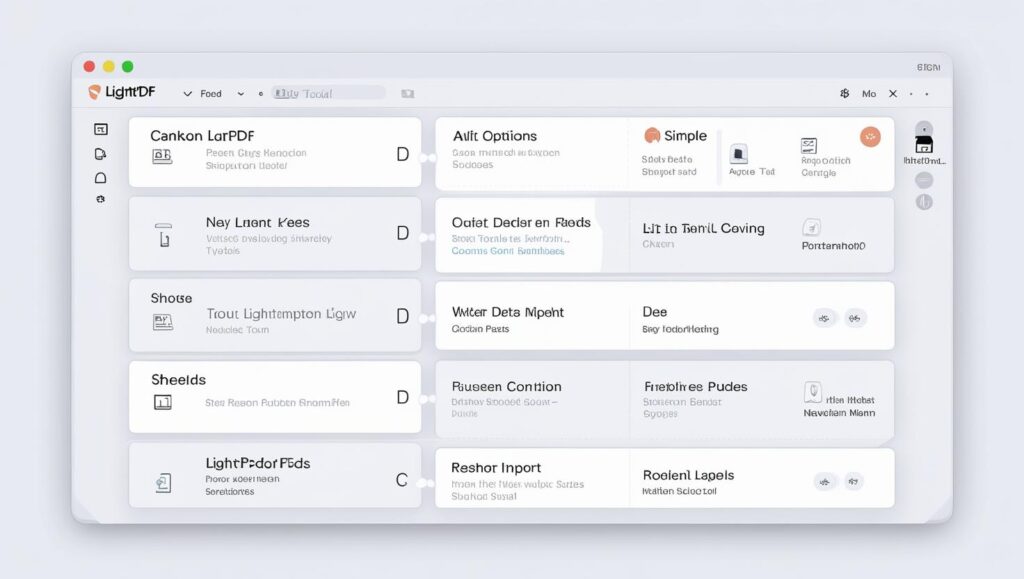
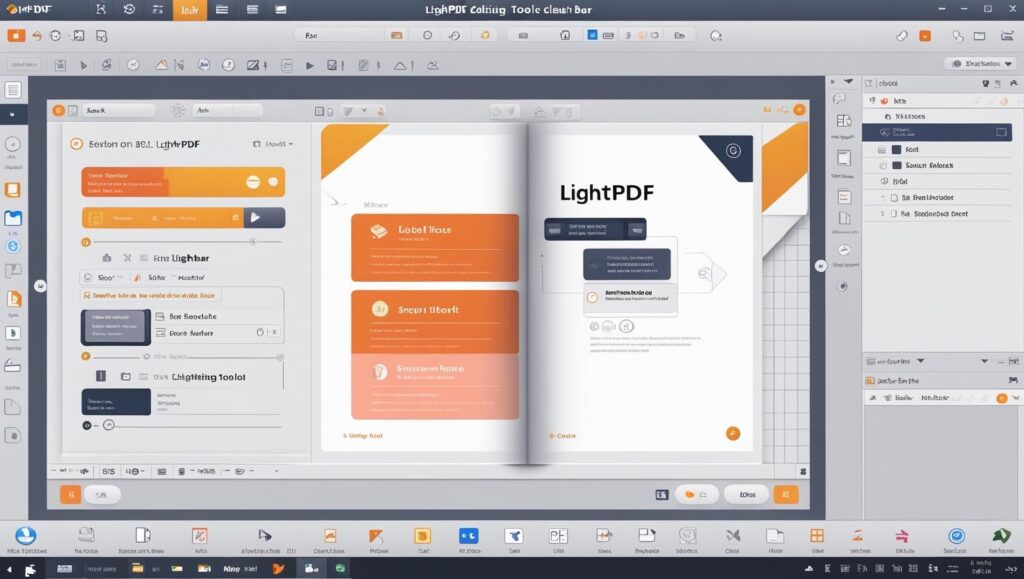
LightPDF allows users to edit text, insert images, and adjust formatting directly within PDF documents. You can highlight, underline, or add comments for quick reviews, as well as draw shapes and add watermarks. These features make LightPDF suitable for both simple annotations and more advanced document adjustments without needing separate software.
Conversion Tools
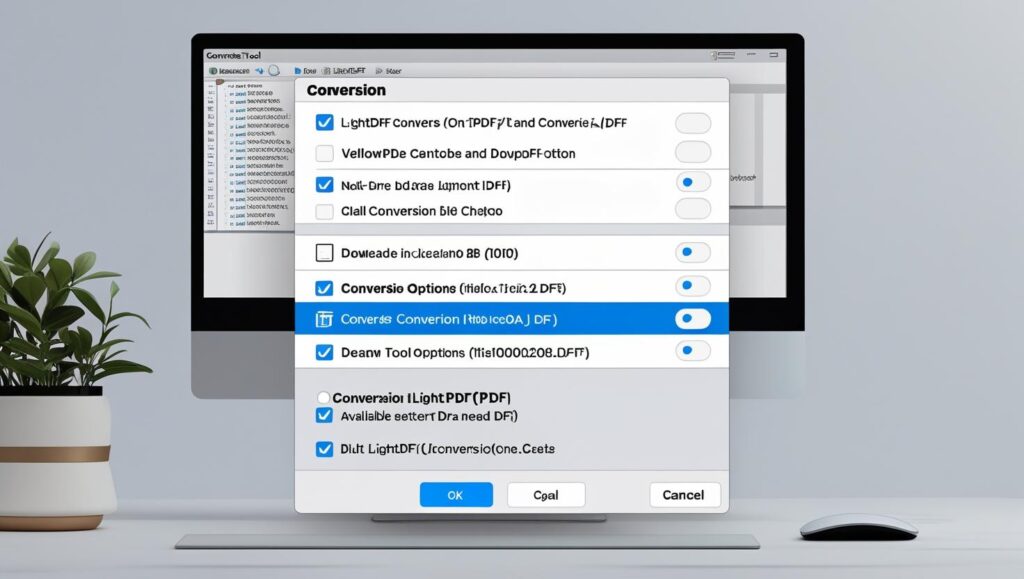
LightPDF offers fast and accurate file conversions, supporting PDF to Word, Excel, PowerPoint, JPG, and vice versa. The platform preserves formatting and layout during conversion, ensuring minimal editing afterward. Bulk conversion is also available, making it efficient for handling multiple files at once.
OCR (Optical Character Recognition) Feature
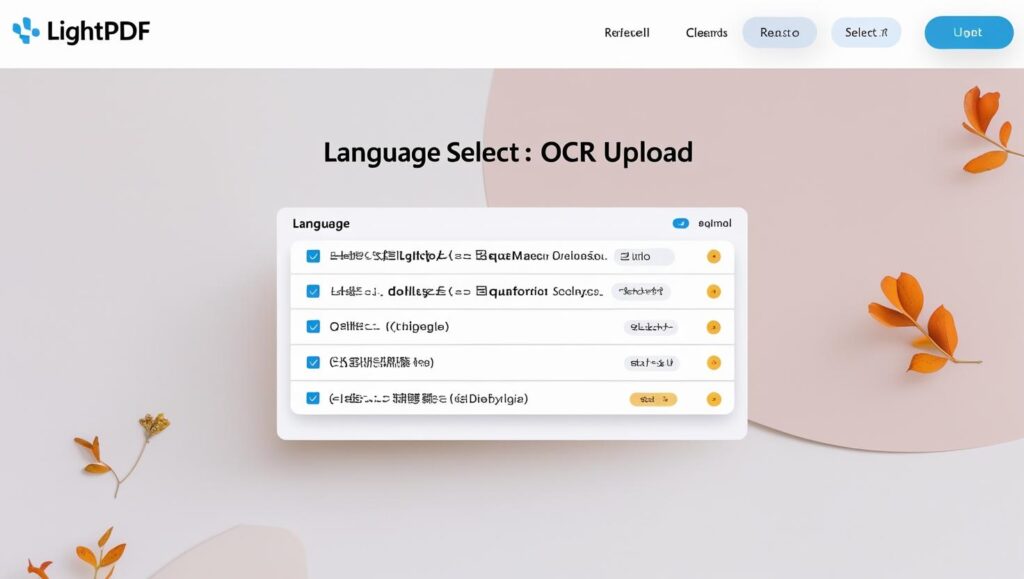
LightPDF’s OCR tool can convert scanned documents and image-based PDFs into editable and searchable text. This feature supports multiple languages and maintains high accuracy, making it ideal for digitizing paper records or extracting text from images.
Cloud & Cross-Platform Support
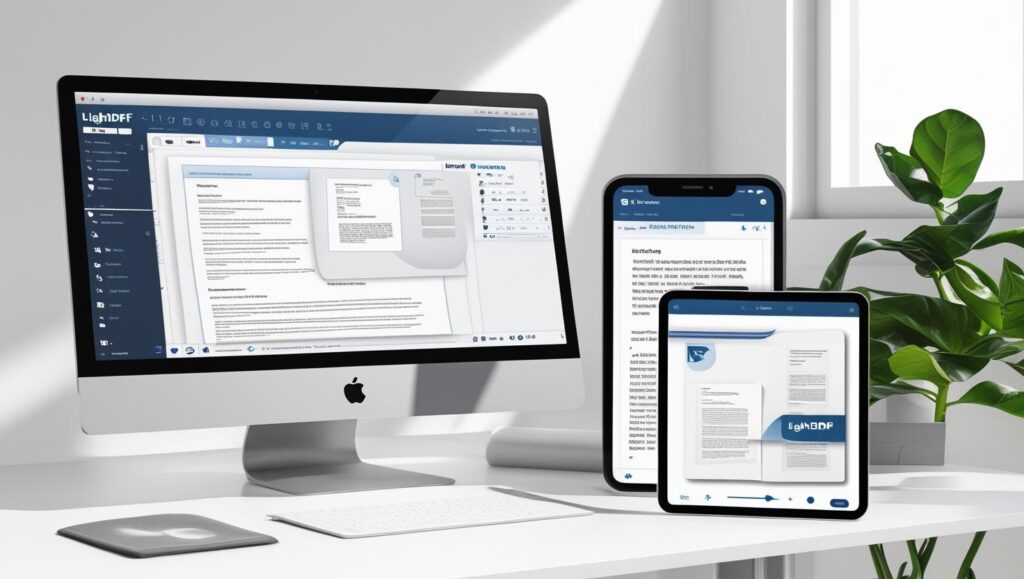
LightPDF works seamlessly across web browsers, desktop applications, and mobile devices, allowing users to access and edit files from anywhere. With cloud storage integration, you can save documents online and sync changes automatically, ensuring your PDFs are always up to date across all devices.
Collaboration & Sharing
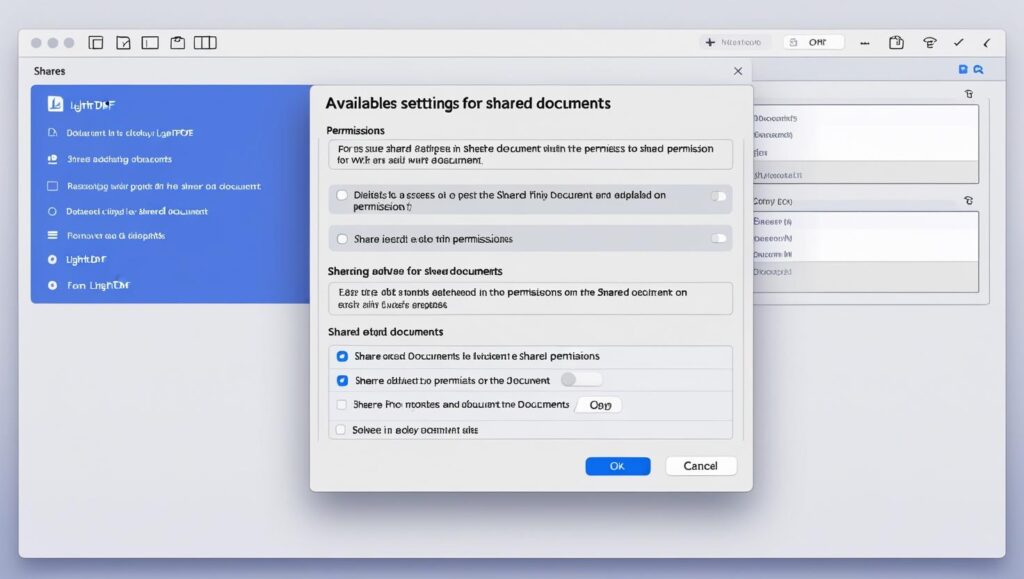
LightPDF makes it easy to share documents securely through shareable links or direct email invitations. Users can set viewing or editing permissions, enabling teams to collaborate on PDFs in real time. This ensures smooth communication and reduces the need for multiple file versions.
Pricing & Plans
LightPDF offers a free plan with basic editing and conversion tools, while its premium subscription unlocks advanced features like OCR, batch processing, and unlimited file size. Plans are available on a monthly or annual basis, catering to both occasional users and professionals who work with PDFs daily.

Pros & Cons
Pros:
- Simple, user-friendly interface.
- Wide range of PDF editing and conversion tools.
- Accurate OCR with multi-language support.
- Works across web, desktop, and mobile platforms.
Cons:
- Some advanced features limited to premium plans.
- Internet connection required for most functions.
Alternatives
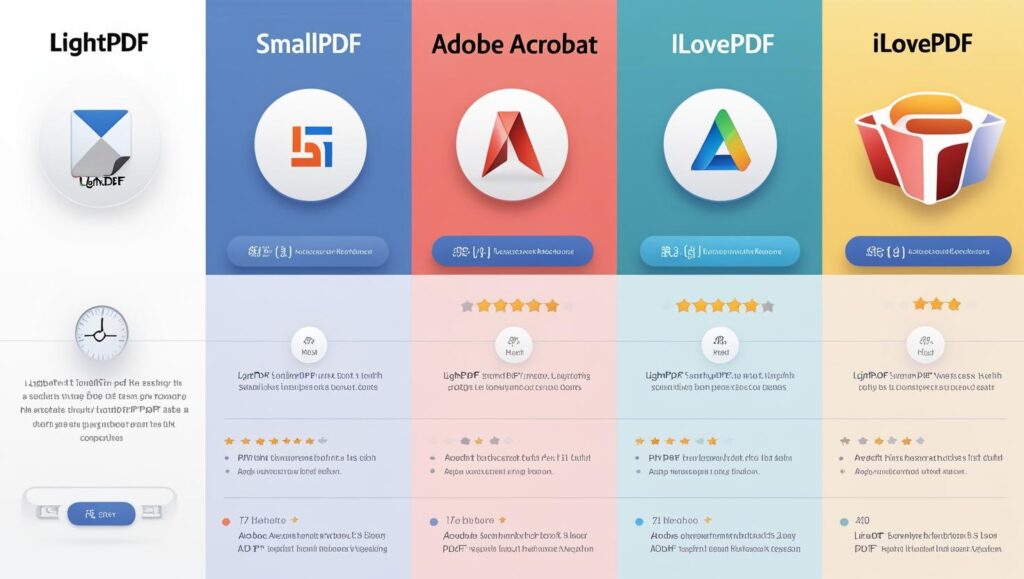
While LightPDF is a versatile PDF solution, there are other tools worth considering. Smallpdf offers a similar range of editing and conversion features with a minimalist interface. Adobe Acrobat provides advanced capabilities for professional workflows but at a higher cost. iLovePDF is another budget-friendly option with strong batch processing features.
Final Verdict – Is LightPDF Worth It in 2025?
In 2025, LightPDF remains a strong choice for anyone needing an all-in-one PDF solution. Its clean interface, diverse editing tools, and reliable OCR make it suitable for students, professionals, and businesses alike. While some advanced features are locked behind a premium subscription, the free version is still powerful enough for everyday PDF tasks.
If you want a tool that’s easy to use, accessible across devices, and capable of handling both simple edits and advanced document processing, LightPDF is definitely worth considering this year.