

Introduction to GitMind
GitMind is a cloud-based mind mapping and diagramming tool designed to help individuals and teams visualize ideas, plan projects, and collaborate in real time. It combines an intuitive interface with a rich set of features, making it suitable for students, educators, business professionals, and creative thinkers alike.
With GitMind, you can quickly create mind maps, flowcharts, org charts, timelines, and whiteboards from scratch or by using pre-designed templates. The platform also integrates AI-powered features to help generate ideas, summarize content, and convert text into structured diagrams—saving time and boosting productivity.
One of GitMind’s biggest strengths is its cross-platform availability. Whether you’re on a desktop, tablet, or smartphone, you can access your projects anytime, with changes syncing seamlessly across devices. This flexibility makes it easy to brainstorm on the go, conduct remote workshops, or present ideas to clients without being tied to one location.
GitMind is not just a diagramming tool—it’s a collaboration platform. Teams can work together in real time, leave comments, and share updates instantly, ensuring that everyone stays aligned and engaged. For personal use, it’s equally powerful, helping you structure thoughts, set goals, and turn abstract concepts into clear action plans.
If you’re looking for a tool that merges creativity, productivity, and ease of use, GitMind is worth exploring in 2025.

Ease of Use & User Interface
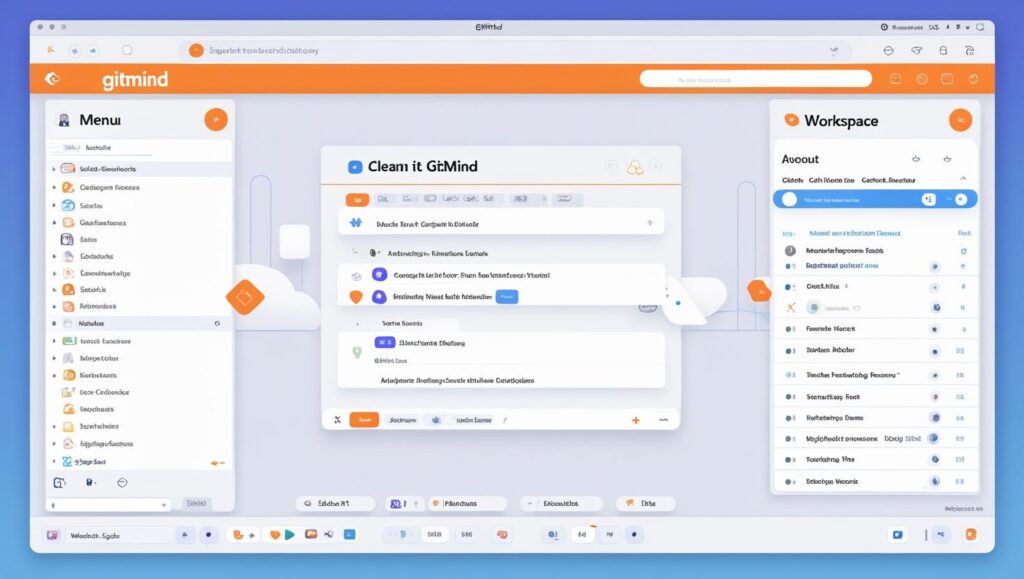
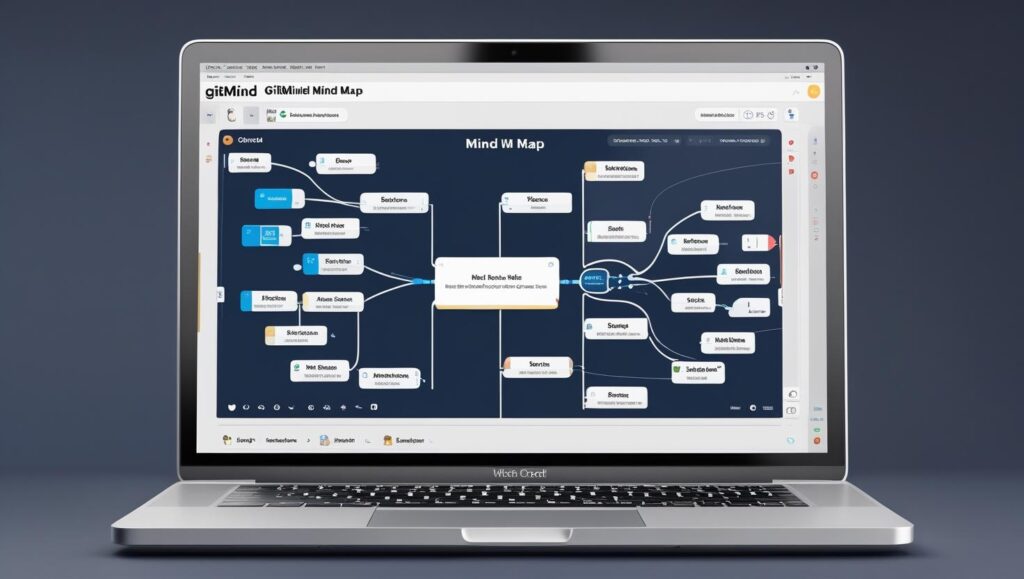
GitMind is designed with simplicity in mind, making it accessible for both beginners and experienced users. The clean, minimalistic interface ensures that you can start creating mind maps or diagrams immediately, without getting lost in complex menus or hidden features.
The main workspace is distraction-free, with intuitive drag-and-drop functionality for adding nodes, connecting ideas, and customizing layouts. Color palettes, shapes, and icons are all easily accessible from the side toolbar, allowing you to personalize your diagrams without interrupting your workflow.
One of the strengths of GitMind’s user interface is its real-time responsiveness. Actions such as resizing, reorganizing, and formatting elements happen instantly, making the process feel smooth and efficient. Even large or complex mind maps remain easy to navigate thanks to zoom controls and an organized structure panel.
For new users, GitMind offers interactive tutorials and tooltips that guide you through essential features step-by-step. This means you can learn as you work, reducing the time it takes to become proficient with the platform. Whether you’re on desktop, tablet, or mobile, the layout adapts seamlessly, ensuring a consistent experience across devices.
In short, GitMind’s user interface strikes the perfect balance between functionality and simplicity, making it a pleasure to use for brainstorming, planning, or presenting ideas.
AI Features & Automation
GitMind goes beyond traditional mind mapping by integrating AI-powered tools that streamline idea generation, content creation, and diagram building. These features are designed to help you work faster and smarter, whether you’re planning a project, organizing research, or brainstorming new concepts.
One of the standout AI capabilities in GitMind is automatic mind map generation. By simply entering a topic or short prompt, the AI can create an entire structured diagram with relevant branches and subtopics, giving you a strong foundation to build on. This saves valuable time compared to starting from a blank canvas.
GitMind’s AI also supports content summarization—allowing you to paste long text or meeting notes and instantly receive a concise, well-organized mind map of the key points. For creative projects, the AI can assist in idea expansion, suggesting related concepts you may not have considered.
Another useful automation feature is text-to-diagram conversion, where written outlines are instantly transformed into visual flowcharts or concept maps. Combined with smart formatting and auto-alignment, this ensures your diagrams are both accurate and visually appealing without manual adjustments.
In 2025, these AI features make GitMind not just a diagramming tool, but a productivity partner that actively contributes to the creative process. By reducing repetitive tasks, GitMind allows you to focus more on strategy, problem-solving, and decision-making.

Mind Mapping & Diagram Capabilities
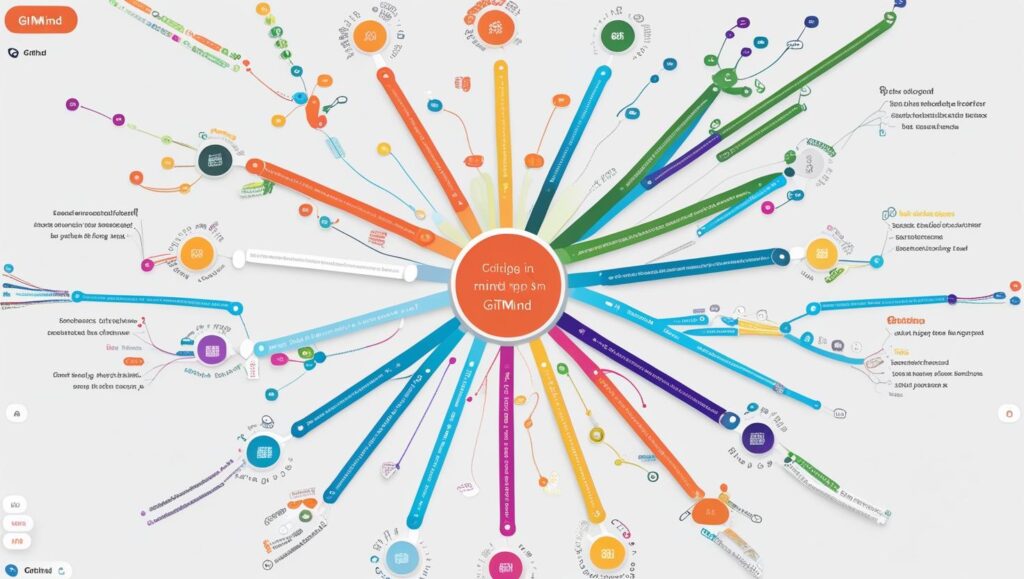
At its core, GitMind is built to help users visualize ideas through powerful mind mapping and diagramming tools. Whether you’re outlining a business strategy, structuring an essay, or mapping out a product development plan, GitMind provides the flexibility and features to bring your thoughts to life.
The mind mapping tool allows you to start from a central idea and branch out into unlimited levels of subtopics. You can add text, icons, colors, images, and hyperlinks to make your maps both informative and visually engaging. For more complex projects, GitMind supports hierarchical, radial, and tree map layouts, giving you multiple ways to structure information.
Beyond mind maps, GitMind offers a variety of diagramming options, including flowcharts, organizational charts, UML diagrams, timelines, and network diagrams. This makes it a versatile choice for both creative brainstorming and technical planning.
A standout feature is GitMind’s drag-and-drop customization, which makes editing quick and intuitive. You can rearrange nodes, adjust connections, and switch layouts instantly without breaking the flow of your work. The platform also supports real-time collaboration, allowing multiple users to contribute to the same diagram simultaneously.
In 2025, GitMind continues to expand its diagramming capabilities, ensuring that professionals, students, and teams have all the tools they need to organize information visually and communicate ideas with impact.
Collaboration Tools
GitMind is more than just a personal productivity tool—it’s built to make team collaboration smooth, efficient, and engaging. Whether you’re working with classmates, colleagues, or clients, GitMind’s collaboration features ensure everyone can contribute and stay aligned in real time.
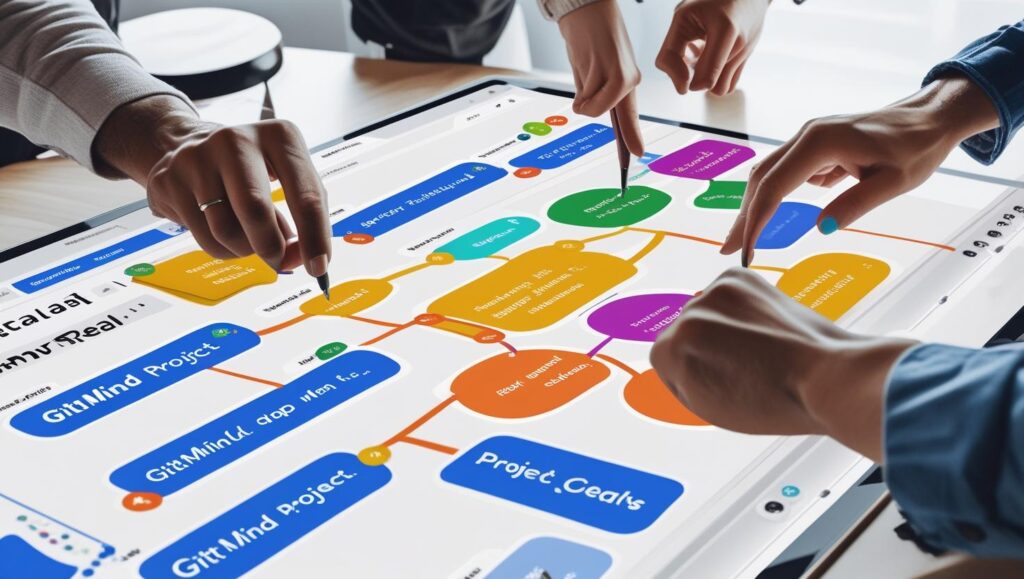
One of the platform’s standout features is real-time co-editing. Multiple users can work on the same mind map or diagram simultaneously, with changes instantly visible to all participants. This eliminates the need for constant file sharing or version control issues.
GitMind also includes commenting and feedback tools, allowing team members to leave notes, ask questions, and suggest changes directly within the project. This makes communication faster and keeps discussions tied to specific elements of the diagram.
Sharing is equally simple. You can generate a shareable link with view or edit permissions, making it easy to involve external collaborators without requiring them to create an account. For presentations, GitMind offers a built-in presentation mode, allowing you to walk your team or audience through ideas step-by-step without leaving the platform.
By combining visual collaboration with seamless communication, GitMind enables teams to brainstorm, plan, and make decisions together—whether they’re in the same room or on opposite sides of the world.
Templates & Customization
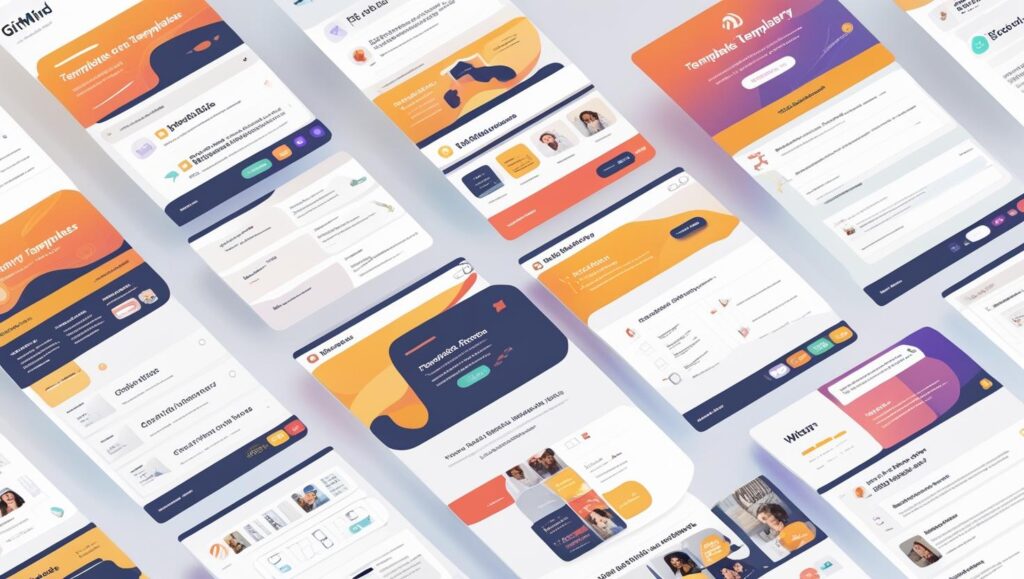
GitMind comes packed with a wide variety of pre-designed templates that make starting a new project quick and effortless. Whether you need a business plan outline, a project timeline, a flowchart, or an academic mind map, GitMind’s template library covers dozens of categories to suit different industries and purposes.
These templates are fully editable, so you can adapt them to your needs in just a few clicks. You can change colors, fonts, shapes, and icons to match your brand or personal style. GitMind also allows you to upload your own images, logos, and backgrounds, giving your diagrams a unique and professional look.
Customization goes beyond appearance. You can modify layouts—from radial to tree to organizational chart formats—and rearrange nodes instantly with drag-and-drop functionality. The theme settings let you apply consistent styling across your entire project, helping maintain a polished and cohesive visual design.
For frequent users, GitMind offers the ability to save custom templates, so you can reuse your preferred layouts and styling for future projects. This is especially useful for teams that follow specific formatting or branding guidelines.
With its balance of ready-made designs and deep customization options, GitMind ensures that every diagram you create is both functional and visually appealing—without requiring advanced design skills.
Integration with Other Tools
GitMind works seamlessly with a range of other platforms, making it easier to fit into your existing workflow. You can export mind maps and diagrams to formats like PDF, PNG, TXT, and Markdown, or share them directly via links. GitMind also supports integration with cloud storage services such as Google Drive and Dropbox, allowing you to save and access projects from anywhere.
For team collaboration, GitMind’s sharing options make it simple to connect with project management tools, document platforms, and communication apps, ensuring your ideas move smoothly from brainstorming to execution.
Performance & Speed
GitMind delivers a smooth, responsive experience whether you’re creating a simple mind map or working on a large, complex diagram. Actions like dragging nodes, zooming in and out, and switching layouts happen instantly, keeping your workflow uninterrupted. Even with multiple collaborators editing in real time, GitMind maintains fast load times and stable performance across devices.
Pricing & Plans
GitMind offers both a free plan and premium subscriptions. The free version includes core mind mapping features and basic templates, while the premium plan unlocks advanced AI tools, unlimited maps, high-quality exports, and priority support. Pricing is available as monthly or annual subscriptions, giving flexibility for individuals, students, and teams.
Security & Privacy
GitMind prioritizes user data protection through encrypted connections and secure cloud storage. Projects are stored safely on GitMind’s servers, with options to manage sharing permissions for full control over who can view or edit your work. The platform’s privacy policy outlines clear guidelines on data usage, ensuring transparency and trust for all users.
Customer Support & Community
GitMind provides multiple channels for customer support, including an online help center, step-by-step tutorials, and an FAQ section to guide users through common questions. For direct assistance, users can contact the support team via email, with premium subscribers receiving priority response times.
Beyond formal support, GitMind has an active community platform where users can share mind maps, exchange ideas, and provide feedback. This collaborative environment not only helps solve problems faster but also inspires creativity by showcasing how others use the tool.
With responsive support and a growing user community, GitMind ensures that help and inspiration are always within reach.
Pros & Cons of GitMind
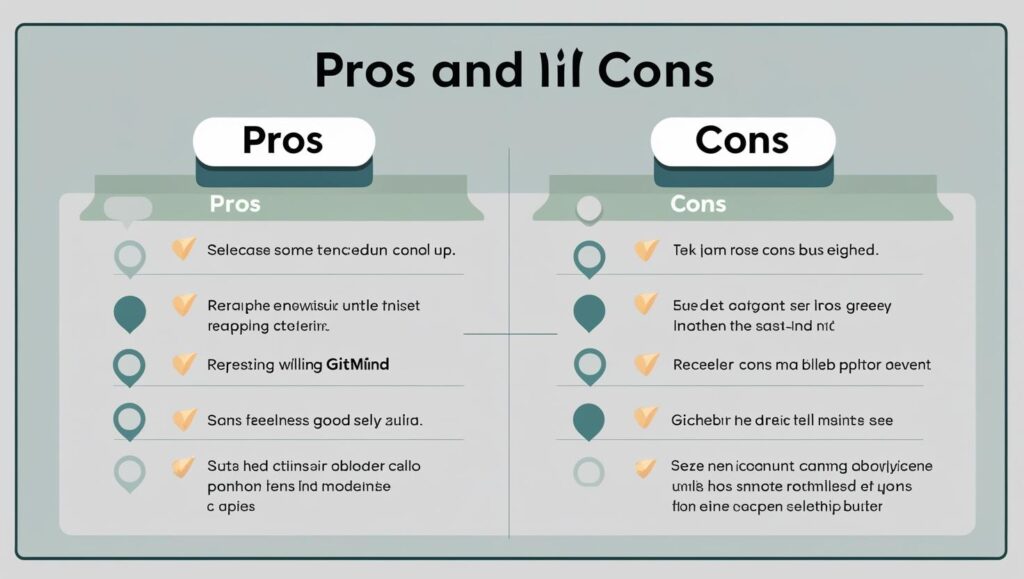
Pros:
- Intuitive, user-friendly interface.
- Wide range of templates and customization options.
- Powerful AI features for idea generation and automation.
- Real-time collaboration with seamless cross-platform access.
Cons:
- Some advanced features locked behind the premium plan.
- Mobile app has fewer capabilities compared to desktop/web.
Final Verdict – Is GitMind Worth It in 2025?
In 2025, GitMind stands out as a versatile and powerful tool for mind mapping, diagram creation, and team collaboration. Its combination of an intuitive interface, robust AI features, and extensive customization options makes it suitable for students, professionals, educators, and creative thinkers alike.
While some advanced functions are limited to the premium plan, the free version still offers enough capability for most casual users. The real-time collaboration, cross-platform compatibility, and rich template library add significant value, making GitMind a strong choice for both personal and professional projects.
If you need a reliable platform that simplifies idea organization, enhances teamwork, and accelerates the creative process, GitMind is well worth trying in 2025.

2 Responses